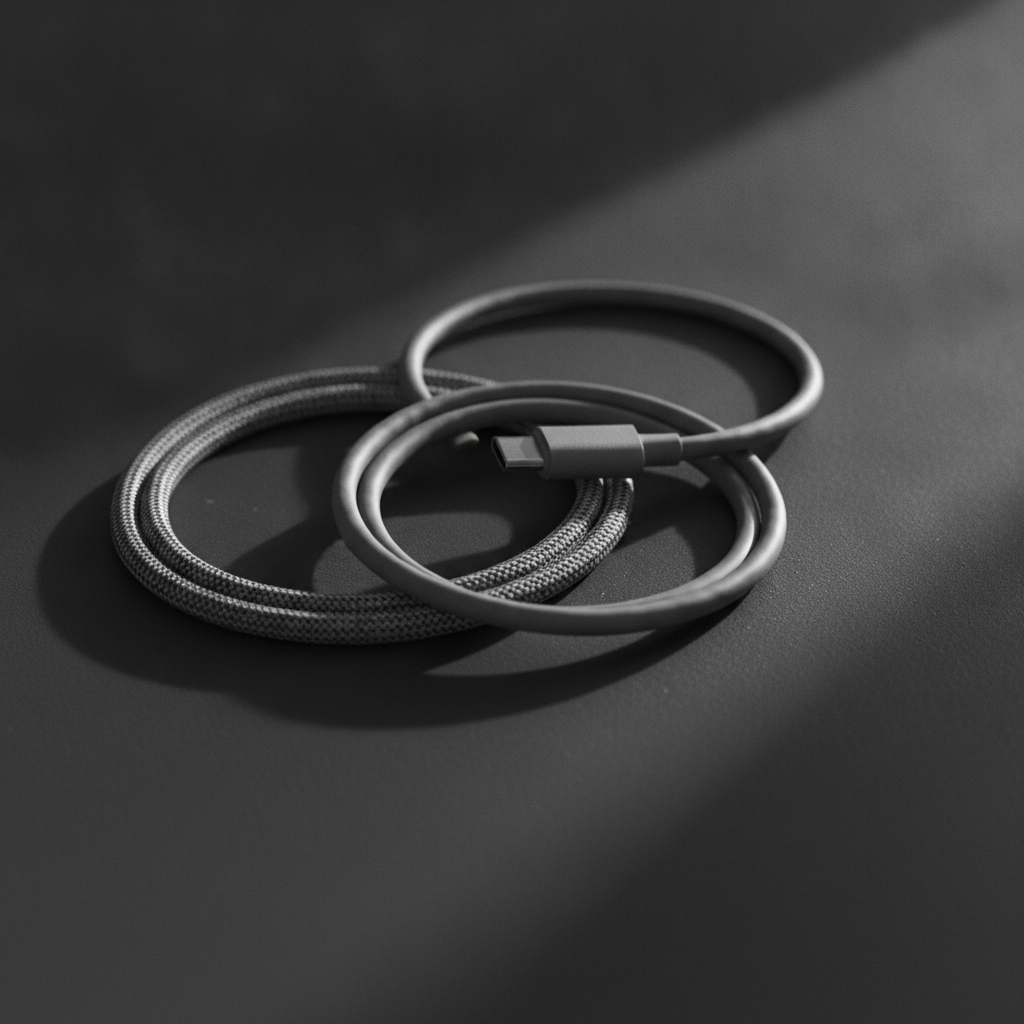
The USB Type-C connector was supposed to end cable confusion. Instead it created a new kind, because the connector is now universal while what runs through it is not. Two cables that look identical can differ by a factor of forty in data speed and by a large margin in charging power. Nothing on the outside tells you which is which.
The three things a Type-C cable does
Every Type-C cable handles up to three jobs, and a given cable may be good at one and useless at another.
- Power delivery, measured in watts. Cheap cables often cap out well below what a laptop needs.
- Data transfer, measured in gigabits per second. Many charging cables carry data at the slowest possible speed, which is fine for a phone backup and painful for a drive.
- Video output. Only cables supporting the right alternate modes will drive a monitor at all.
A cable sold as a charging cable frequently has no high-speed data wires inside it. It will still connect your drive; it will just move files at a fraction of the speed you expected.
What to look for when buying
The specification matters more than the brand. Look for the cable’s stated wattage and its data standard printed on the packaging or the listing. If neither is stated, assume the lowest of both. A reputable seller states them because they are a selling point.
Certification is the other useful signal. Certified cables have been tested against the specification, which mainly protects you from the genuinely dangerous end of the market: badly made cables that misreport their capability and can damage what they are plugged into.
Build quality is where cables actually fail
Almost no cable fails electrically. They fail mechanically, at the point where the cable meets the connector, because that is where the bending happens. The features that extend life are simple:
- A proper strain relief collar rather than a hard moulded joint
- Braided sleeving, which resists kinking better than smooth PVC
- Some weight to the connector housing, which usually indicates a metal shell rather than a hollow plastic one
Length matters too, and not only for convenience. Longer cables lose more over the run, so very long cheap cables often charge noticeably slower than short ones.
Practical buying advice
For most people, two cables cover everything. A short high-specification cable for fast charging and data, kept at the desk, and a longer basic charging cable for the sofa or the bedside where speed is irrelevant. Buying one expensive cable and using it for everything means dragging it around and wearing it out.
Buy from sellers who publish specifications, avoid unbranded multipacks where no specification is given at all, and keep the packaging long enough to know which cable is which. Marking the connector with a small piece of tape sounds crude and saves a lot of frustration later.